Setting Time Zone for Datetime widget
The setTimezone method configures a widget to display date and time values based on a specified time zone, ensuring consistent behavior across different user locales and environments.
Using setTimezone for Datetime Widget
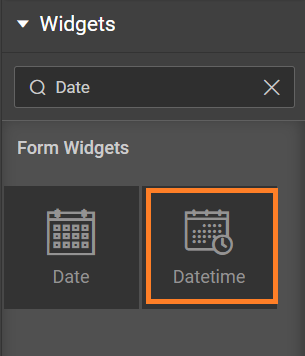
- Drag and drop a Datetime widget. Learn more about Datetime
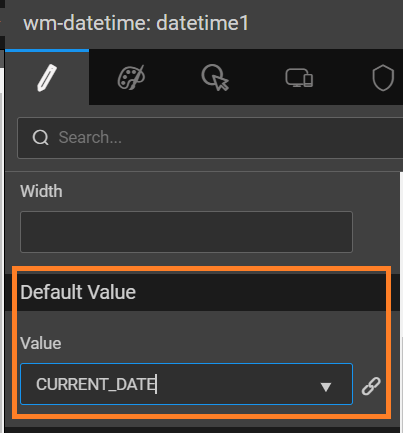
- From the properties panel, set default date to CURRENT_DATE:
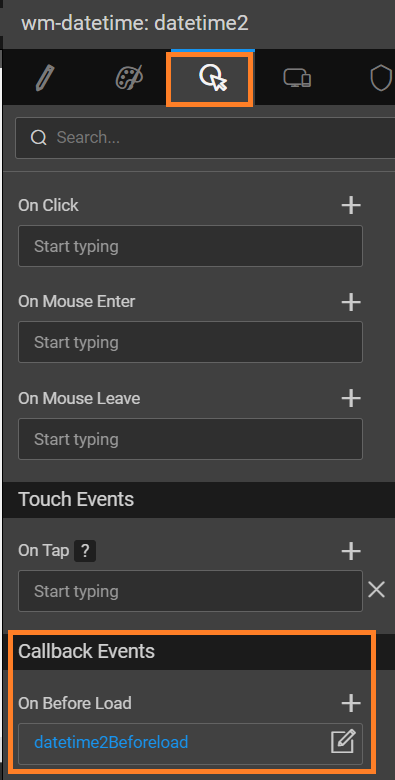
- From Datetime widget events tab, set On Before Load event to JavaScript.
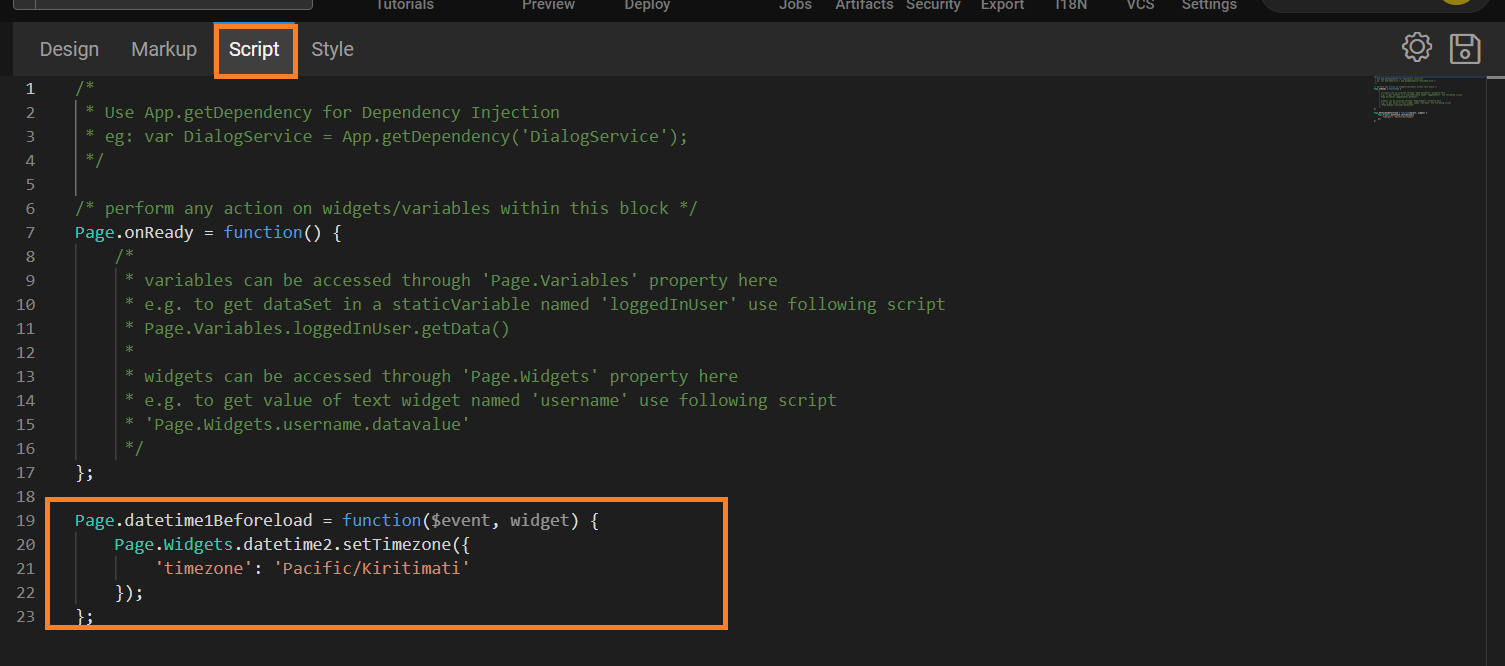
- After redirecting to the script, add the below code to set Timezone of the datetime widget to the specified timezone.
    Page.datetime1Beforeload = function($event, widget) {
          Page.Widgets.datetime2.setTimezone({
                 'timezone': 'Pacific/Kiritimati'
                });
  };
Apply Time Zone to Application
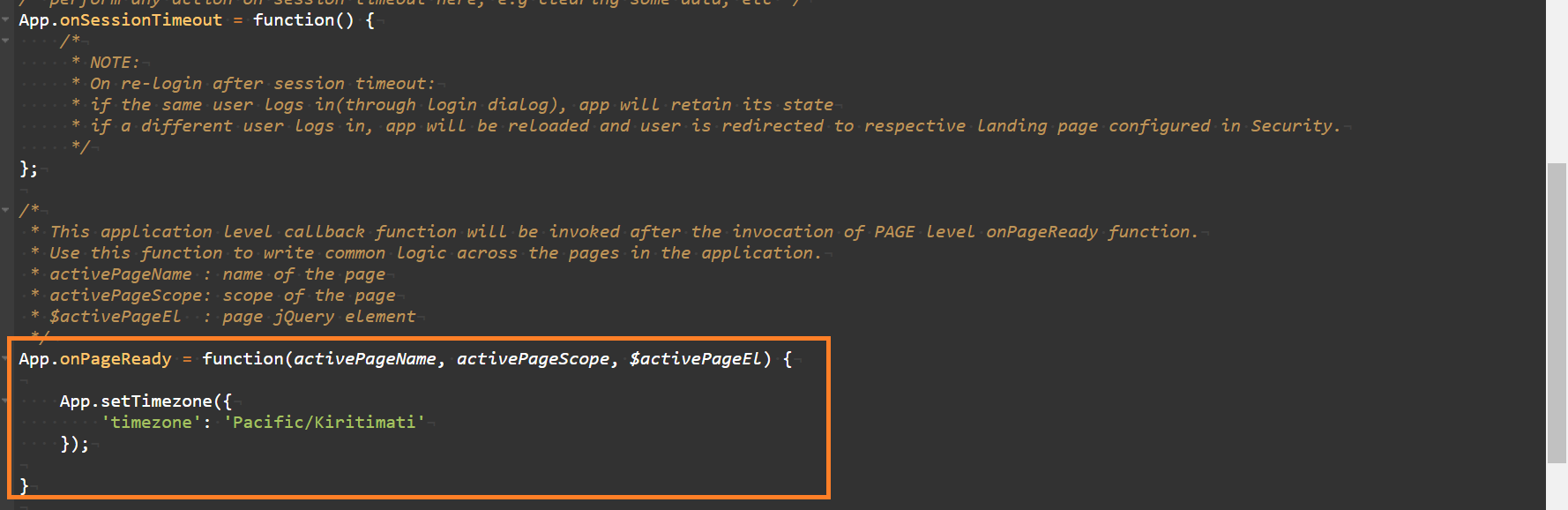
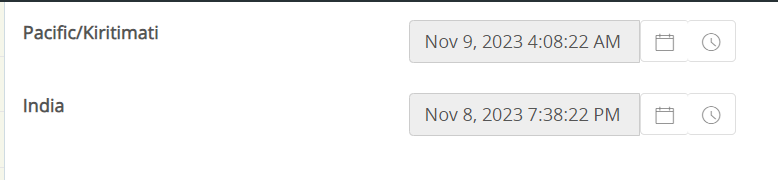
In App.js write the below script. Using this script, the specified timezone will be used across all time-related widgets within the application.
     App.onPageReady = function(activePageName, activePageScope, $activePageEl) {
        App.setTimezone({
        'timezone': 'Pacific/Kiritimati'
          });
}
note
The procedure is same for Date and Time widget.
note
For Date widget, the implementation will work from 11.4.2 version.