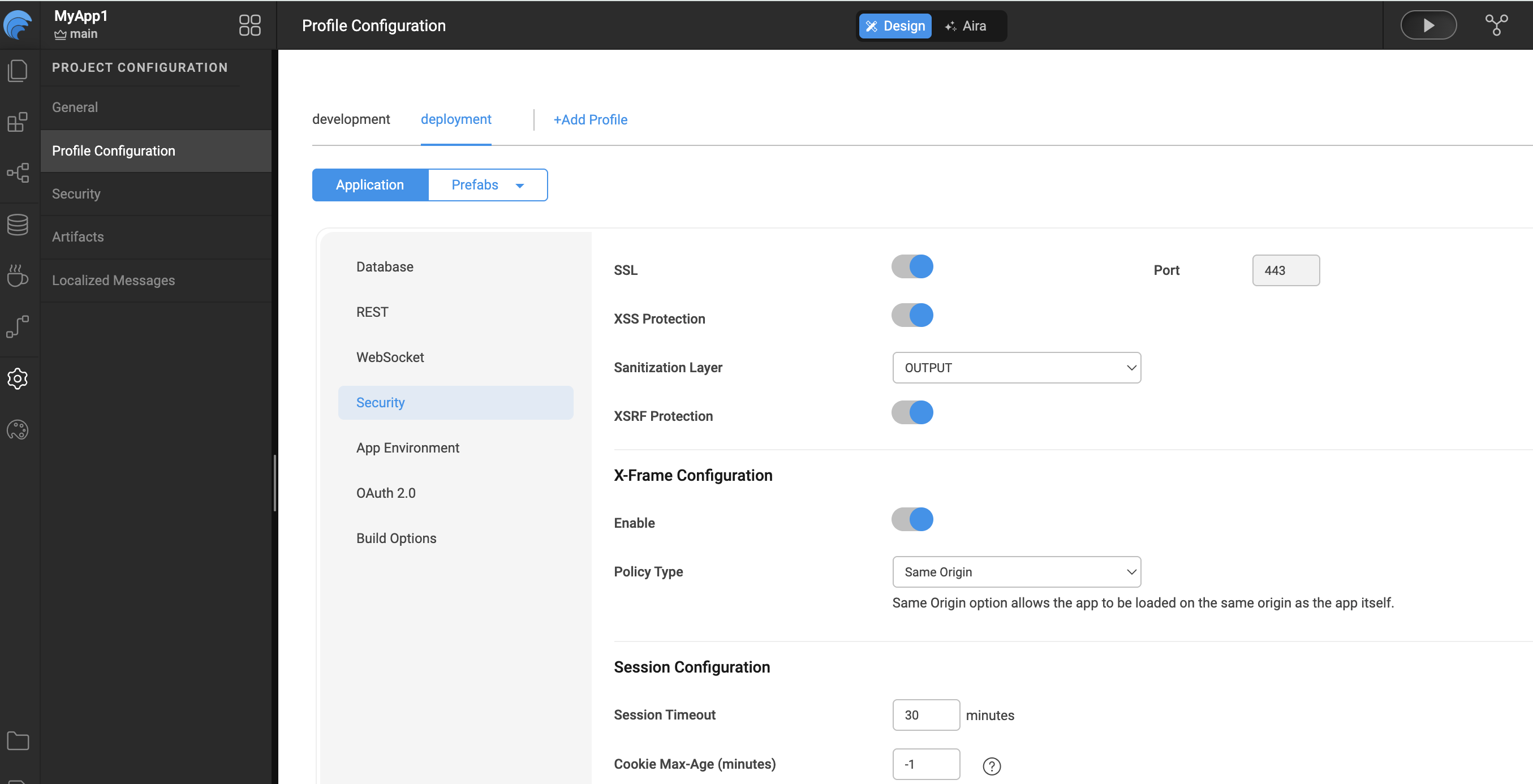
SSL Encryption
WaveMaker applications can be accessed over the HTTPS protocol to ensure a higher level of security.
Enabling SSL ensures that all requests are redirected to a secure URL. For example, if a user enters: http://www.wavemakeronline.com
the SSL filter automatically redirects them to: https://www.wavemakeronline.com
Configuring SSL in WaveMaker
SSL encryption can be configured in the Profile Configuration, which is accessible via the Settings menu in the Project Workspace.
- Development Profile: SSL is enabled by default.
- Deployment Profile: You can enable or disable SSL based on your deployment requirements.